Patina
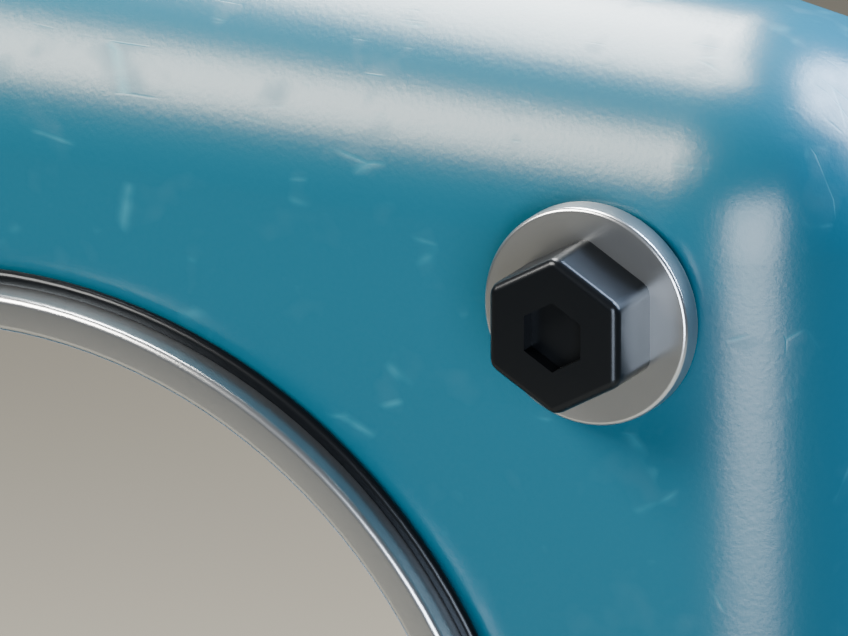
Procedural painted metal with rust you can dial in. A little wear, a lot of character.
Installation guide and troubleshooting
Get Patina. It’s free.
Download the 0.2.0 ZIP and leave it zipped. In Blender, open Edit › Preferences › Add-ons, choose Install from Disk from the menu, select the ZIP and enable Bevel Otter — Patina. Select a mesh, open the 3D View sidebar (N) › Bevel Otter and choose Apply Patina Material. Switch to Material Preview or Rendered view, then adjust the five controls. No purchase or Library extension is required. Tested with Blender 5.2.2 on Linux; other versions and platforms remain unverified. Try it on a copy of your scene. The film shows rendered parameter steps, not a live UI recording. The previous 0.1.1 add-on and original 0.1.0 files remain available below for existing scenes.